
How it works
LuSplit follows a simple flow: create a group, add expenses, understand balances, and settle up clearly.
1. Create a group
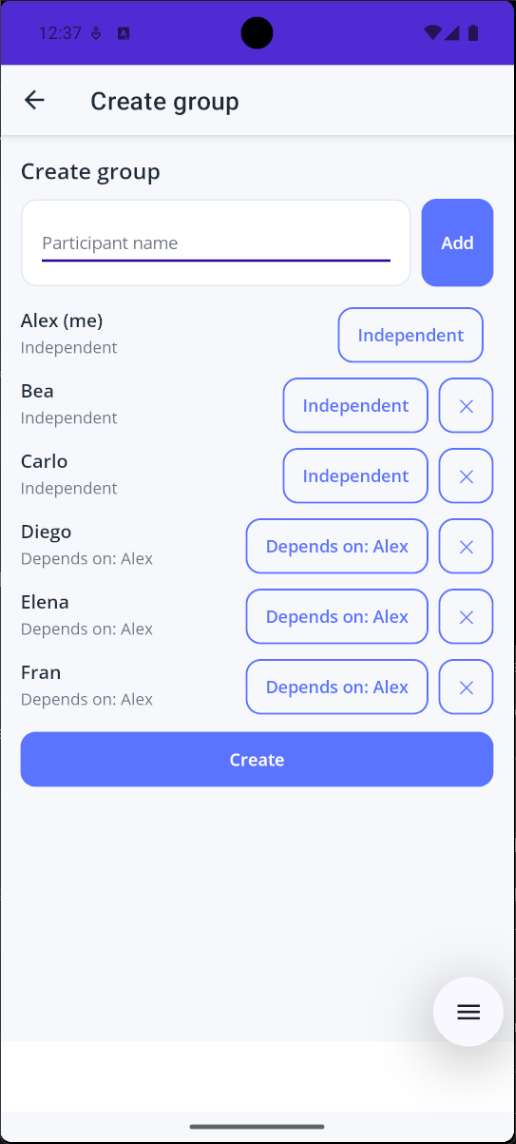
Start by creating a group and adding the people involved.
You can define dependency relationships so children or dependents are attached to the right adult and costs are attributed correctly.
2. Track shared expenses
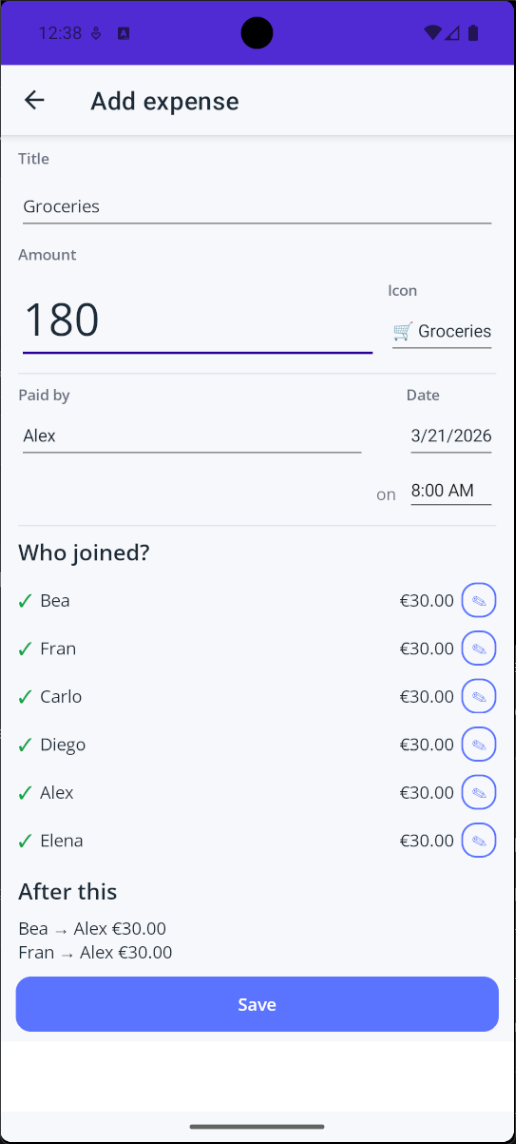
When someone pays for something shared, add it as an expense.
Record:
- title
- amount
- who paid
- who joined
The impact is visible immediately before saving.
3. Understand the group instantly
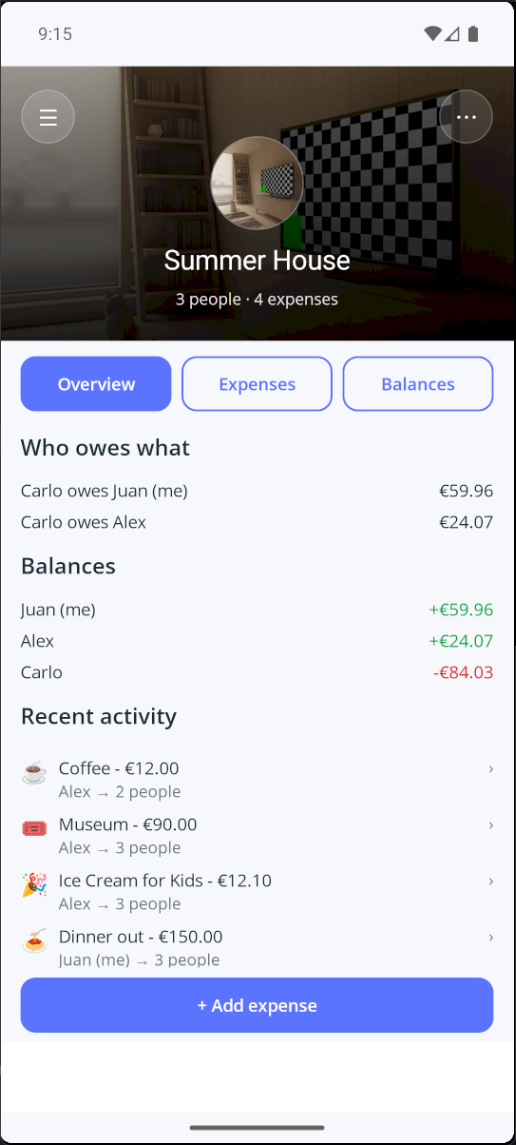
The overview shows the current state of the group:
- balances
- recent activity
- who owes what
4. See all expenses
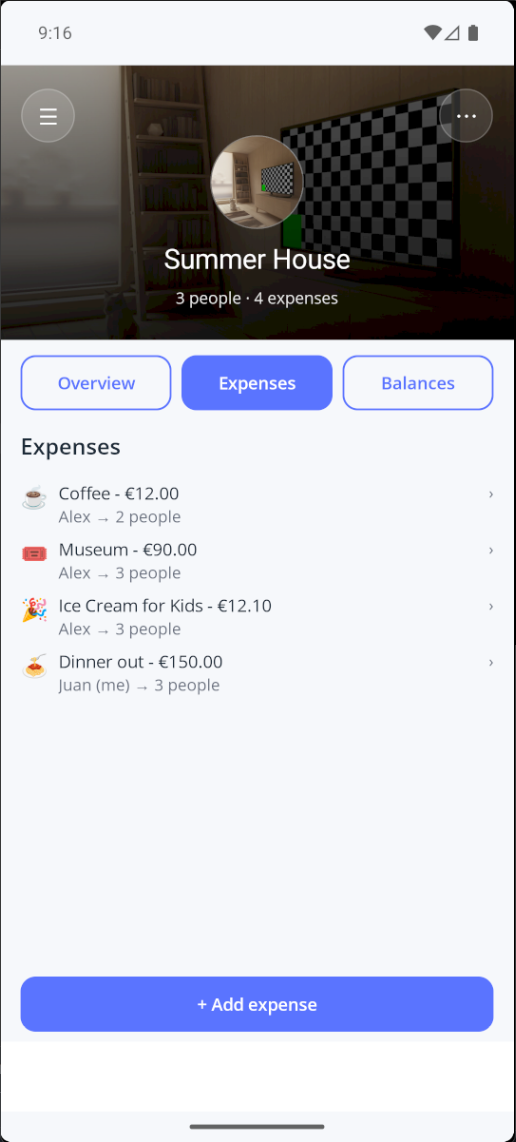
The full history of the group is available in a single list.
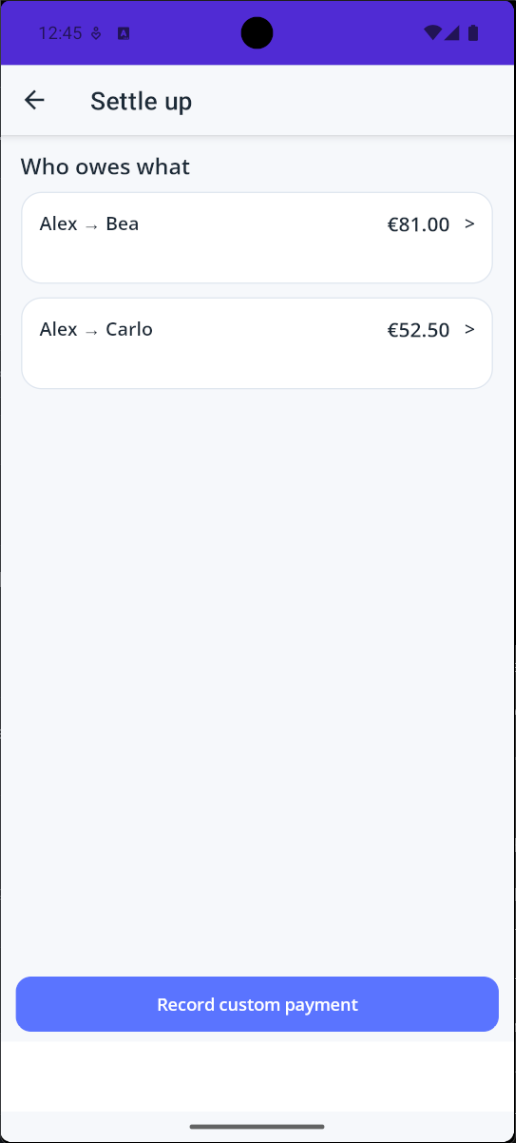
5. Settle up
When it is time to close the group, LuSplit generates the minimum set of transfers required.
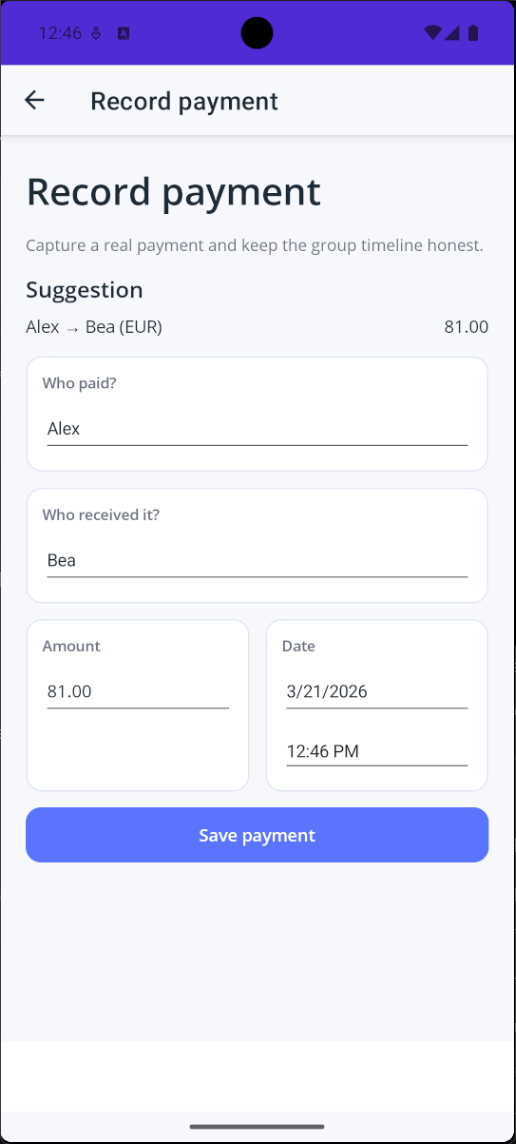
6. Record payments
After a payment happens, record it to keep balances accurate and the timeline consistent.
LuSplit focuses on clarity. No money moves through the app. It simply makes shared expenses understandable.